
Buy Networking Equipment – Best Price Online in Nairobi, Kenya
Buy networking equipment in Kenya from Rapidtech Networks Limited. We supply network routers, Ethernet switches, wireless access points, Wi-Fi extenders, PoE injectors, media converters, Ethernet cables, network cabinets and structured cabling accessories for homes, offices, schools, hotels, CCTV installations, server rooms and enterprise IT infrastructure. Our range includes products from Cisco, MikroTik, Ubiquiti, TP-Link, D-Link, Huawei, Tenda, Giganet, Netgear and Starlink, subject to availability.
Whether you need a wireless router for home internet, a Gigabit network switch for office computers, PoE equipment for IP cameras, wireless access points for business Wi-Fi or networking hardware for a structured cabling project, our team can help you compare suitable equipment based on network capacity, connectivity requirements, supported standards, installation environment and budget.
Need Help Choosing the Right Networking Equipment?
Our team can assist with network equipment selection, router and switch sizing, Wi-Fi coverage planning, PoE power requirements, structured cabling compatibility and network expansion. We help customers identify suitable networking hardware for residential, commercial and institutional applications.
Explore our Network Routers in Kenya, Networking Accessories in Kenya, Ethernet Cables in Kenya and Network Data Cabinets in Kenya.
Browse our networking equipment below to compare available routers, switches, wireless networking devices, PoE equipment, connectivity accessories and network infrastructure products. We supply networking solutions for home users, businesses, institutions and IT installations throughout Kenya.
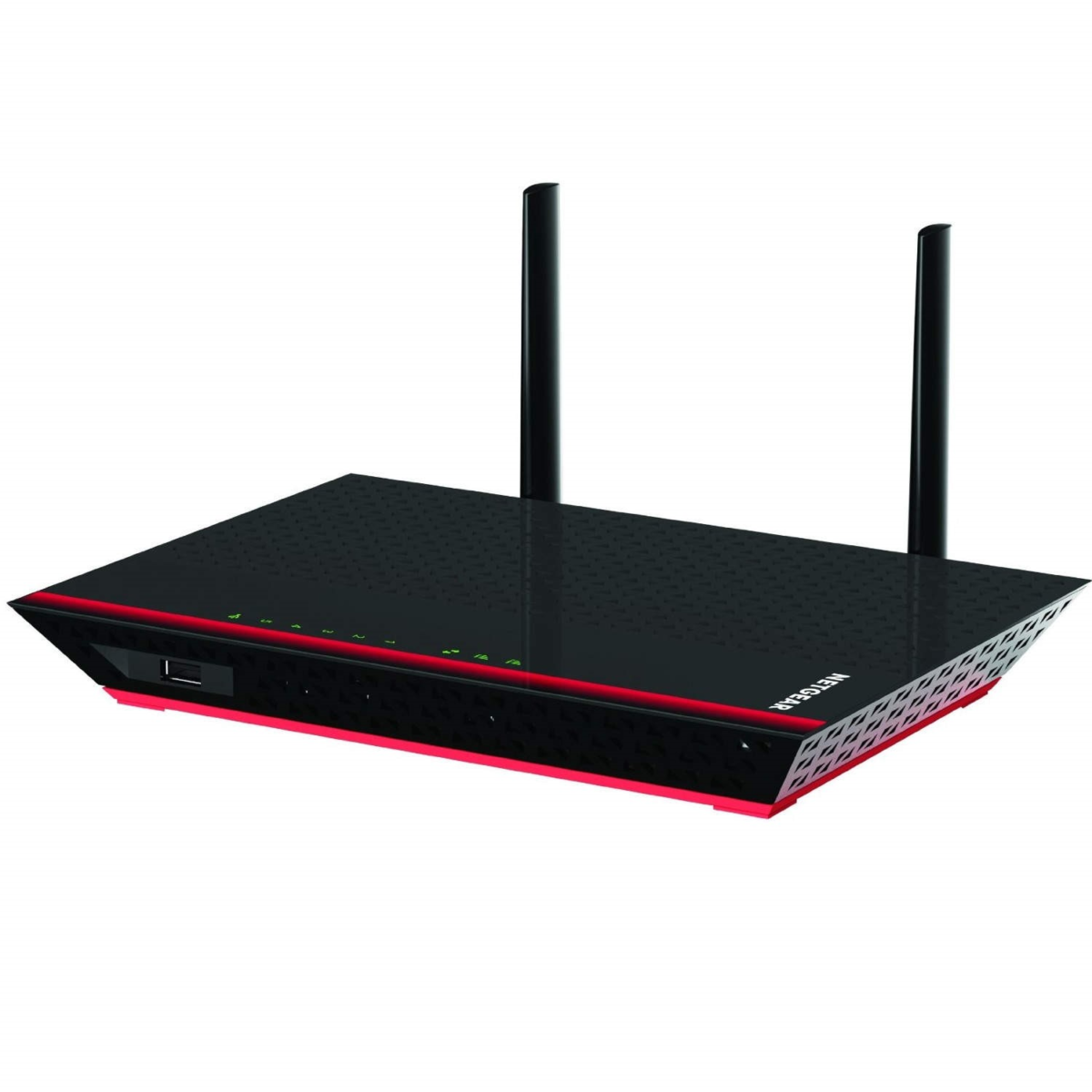


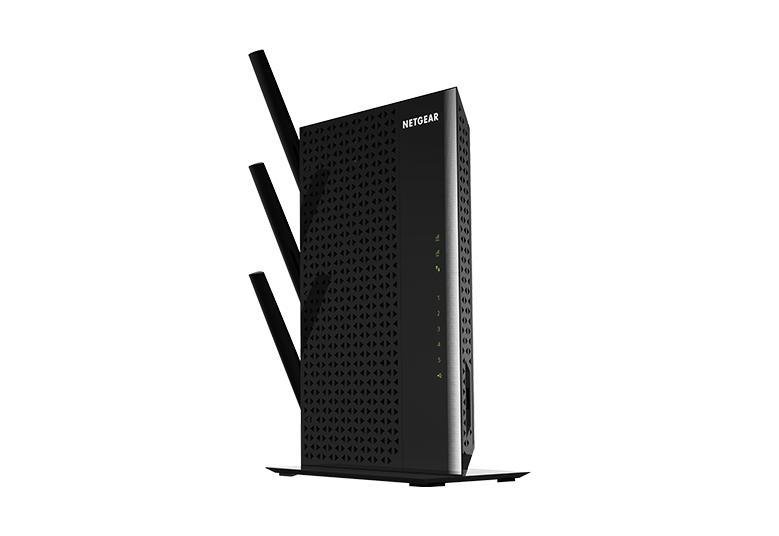
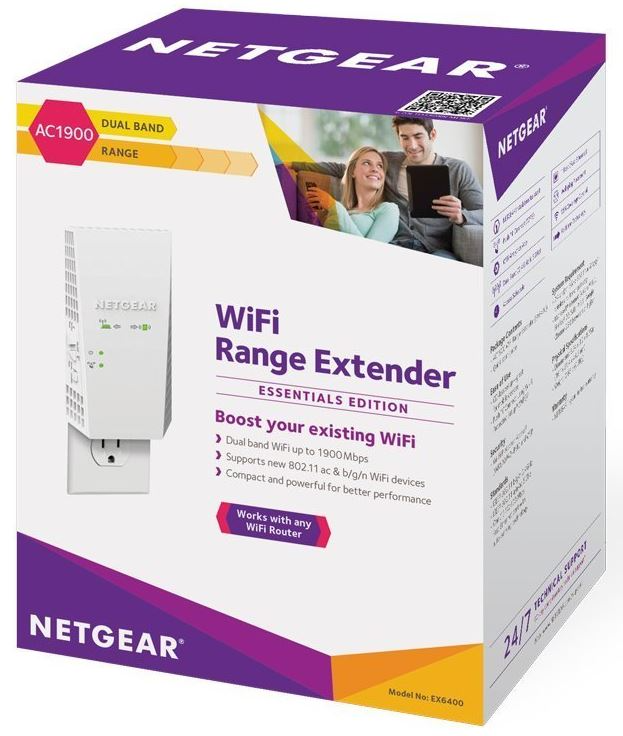
Networking Accessories
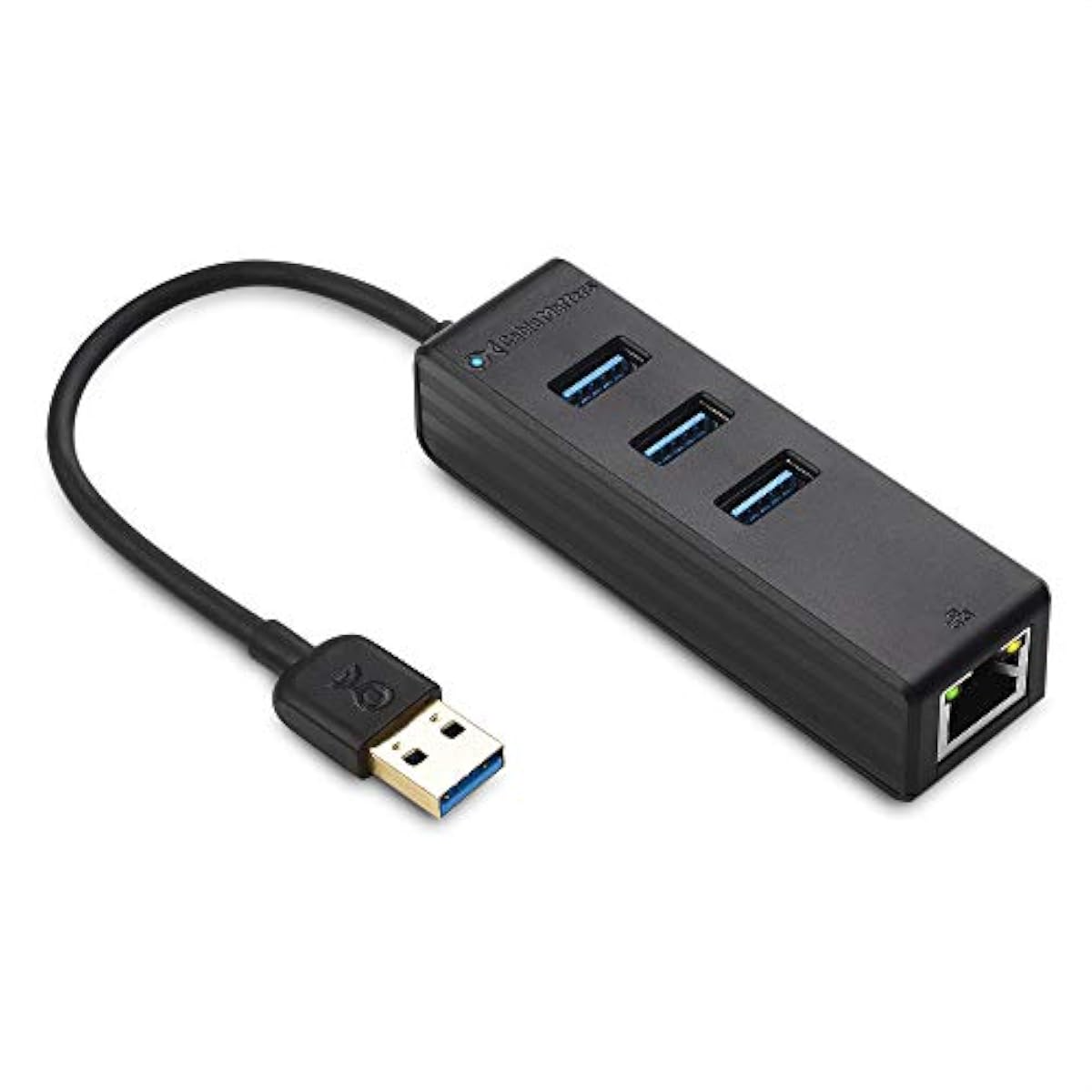
Cable Matters 4-in-1 USB-C Hub with Gigabit Ethernet (201020-BLK-N)
Networking Accessories
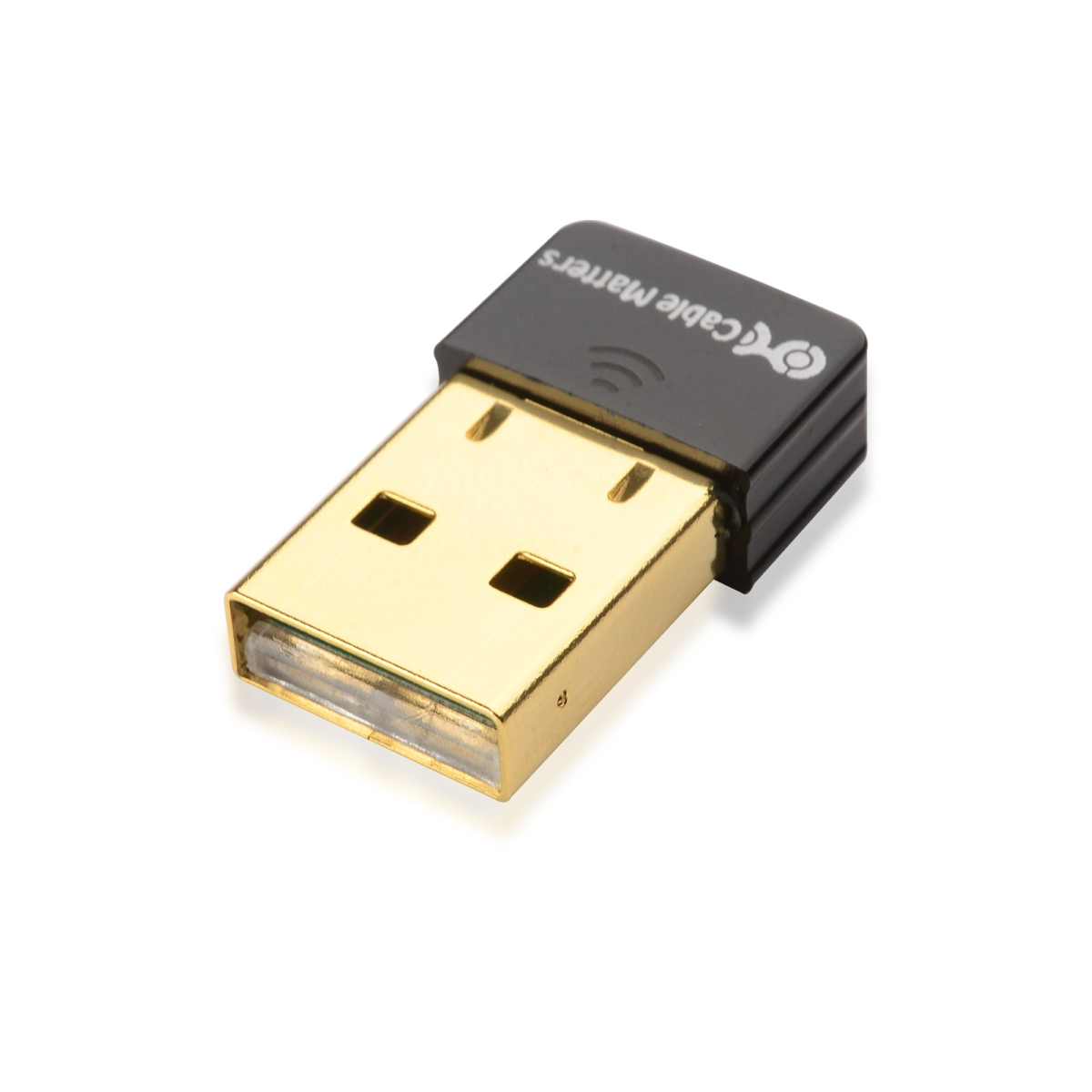
Cable Matters Nano USB Wireless Adapter – 150Mbps Wireless N
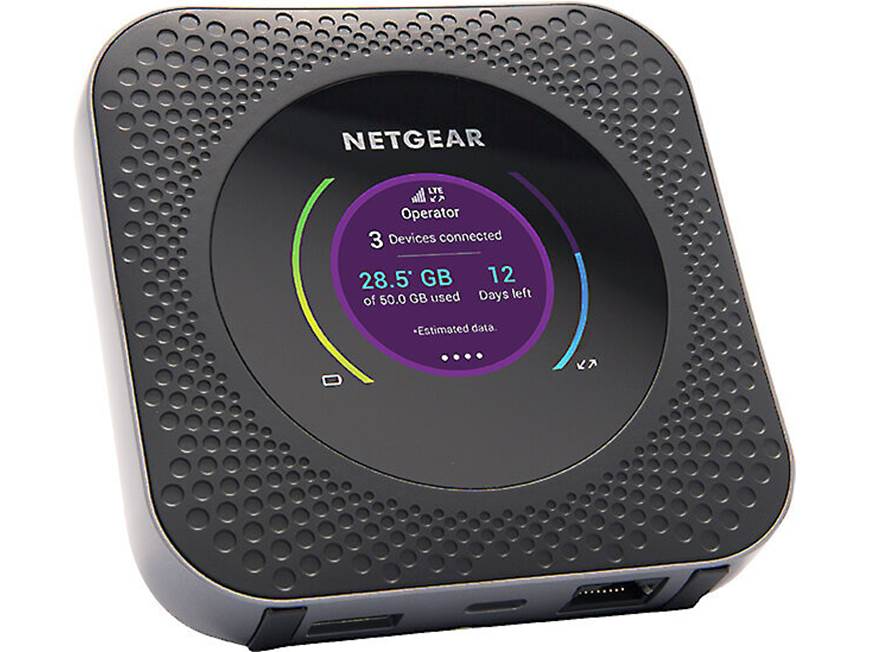
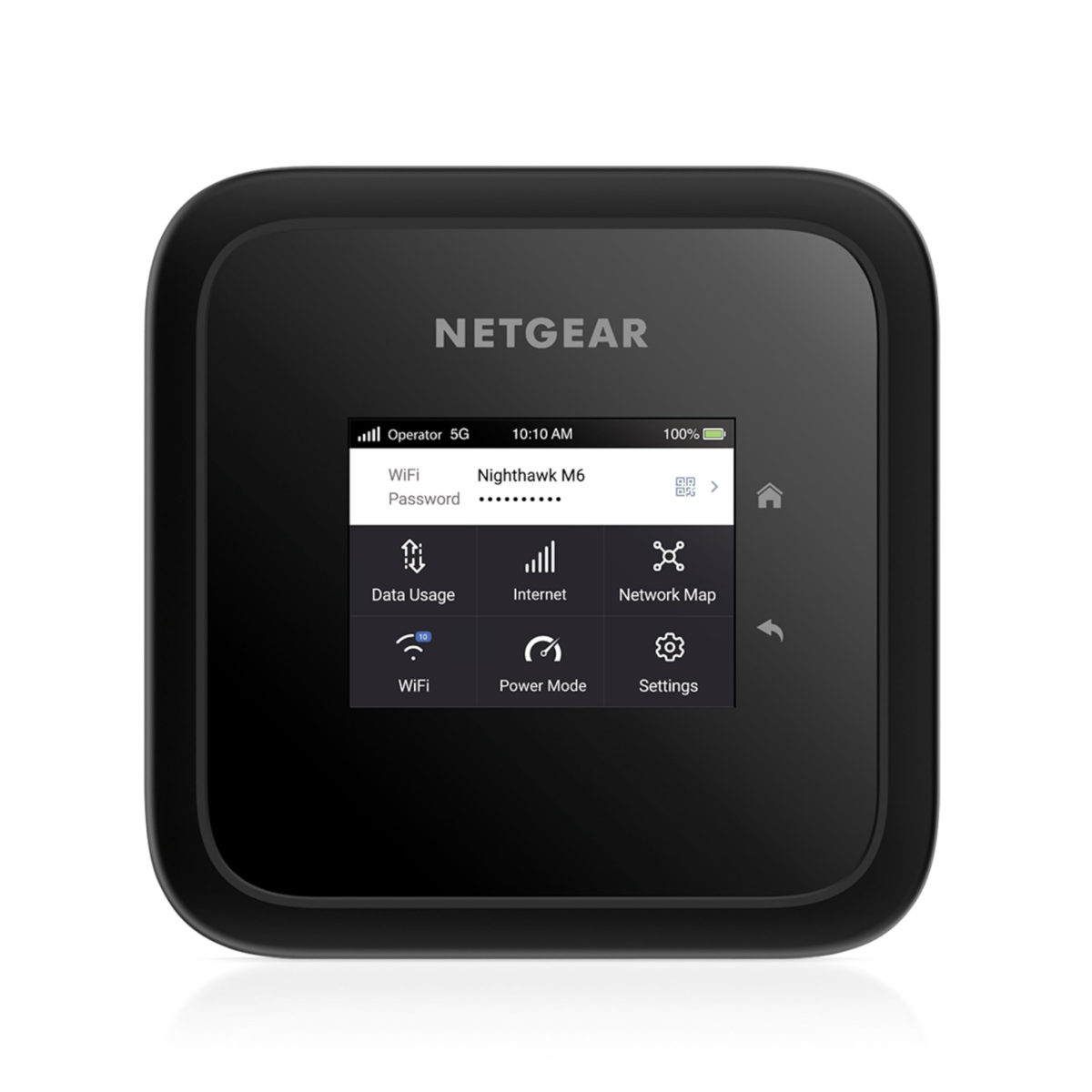
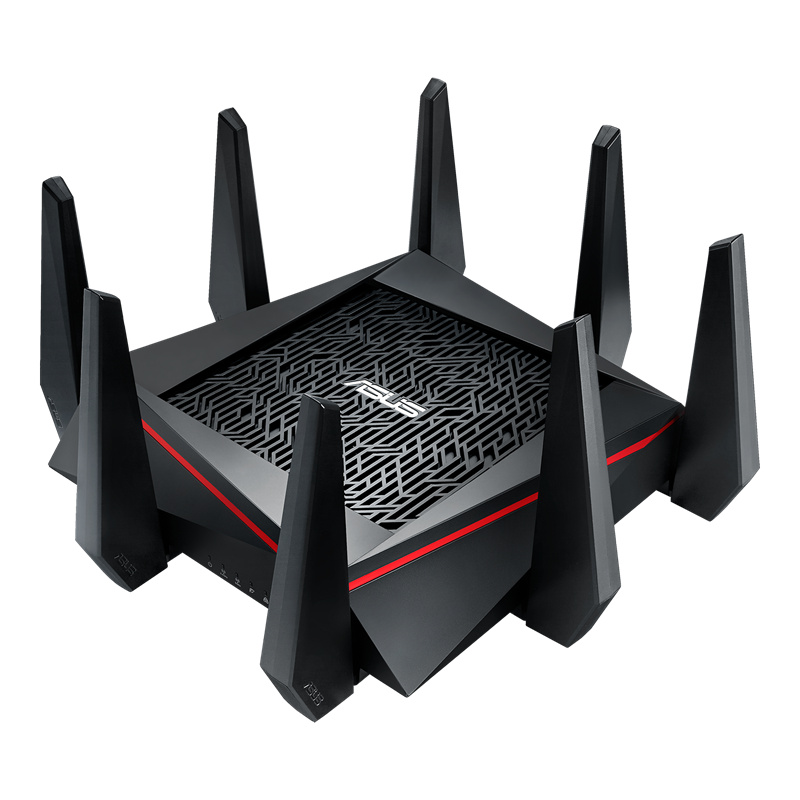
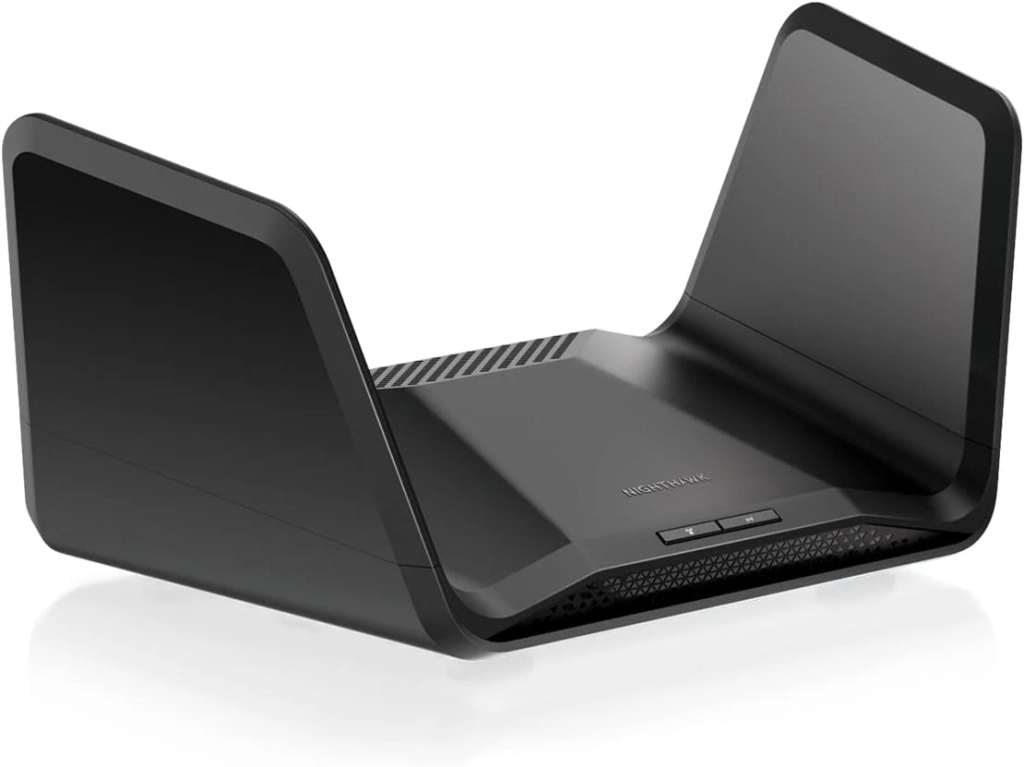
Network Switches
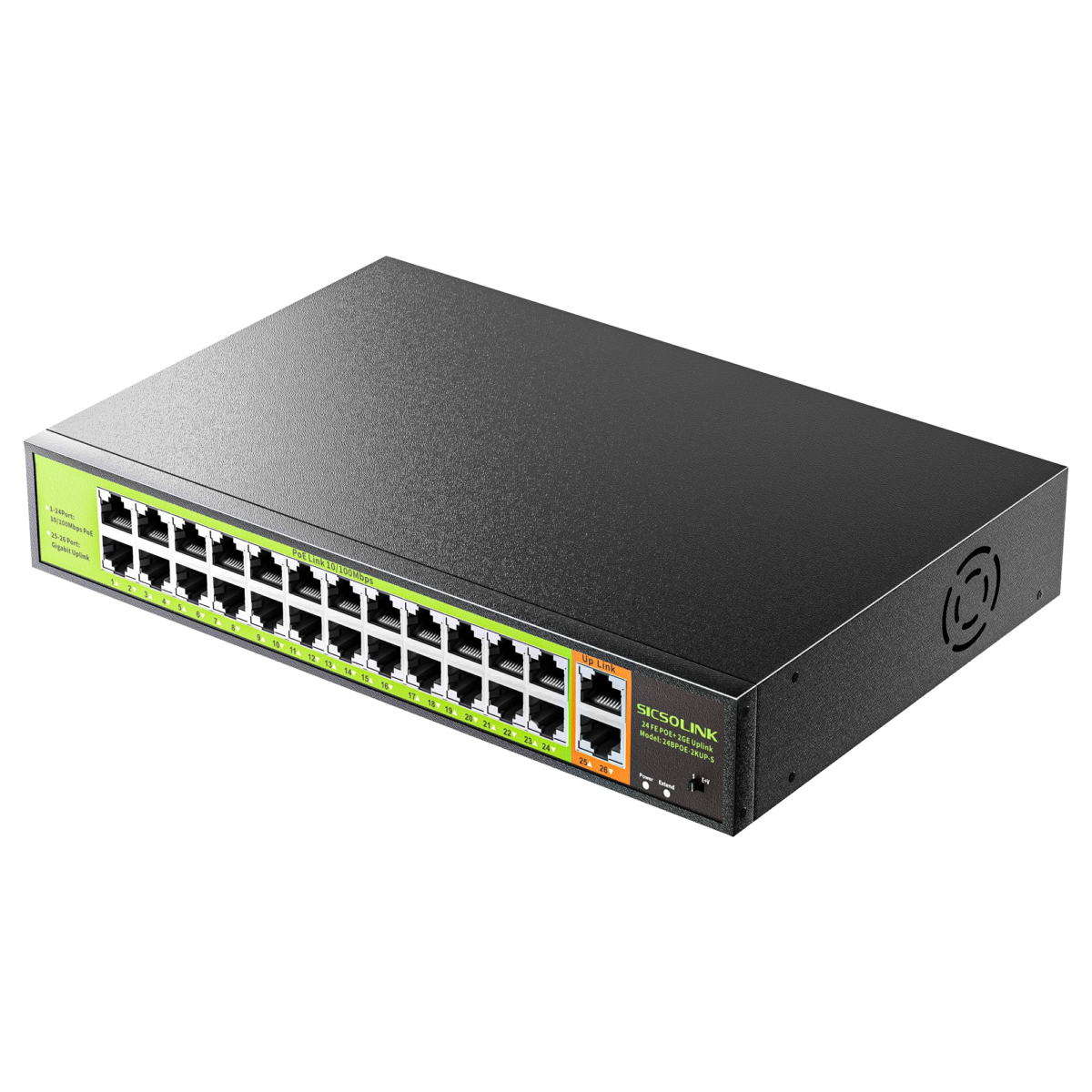
SISCOLINK 24-Port PoE+ Network Switch – 400W, 2 Gigabit Uplinks
Networking Accessories
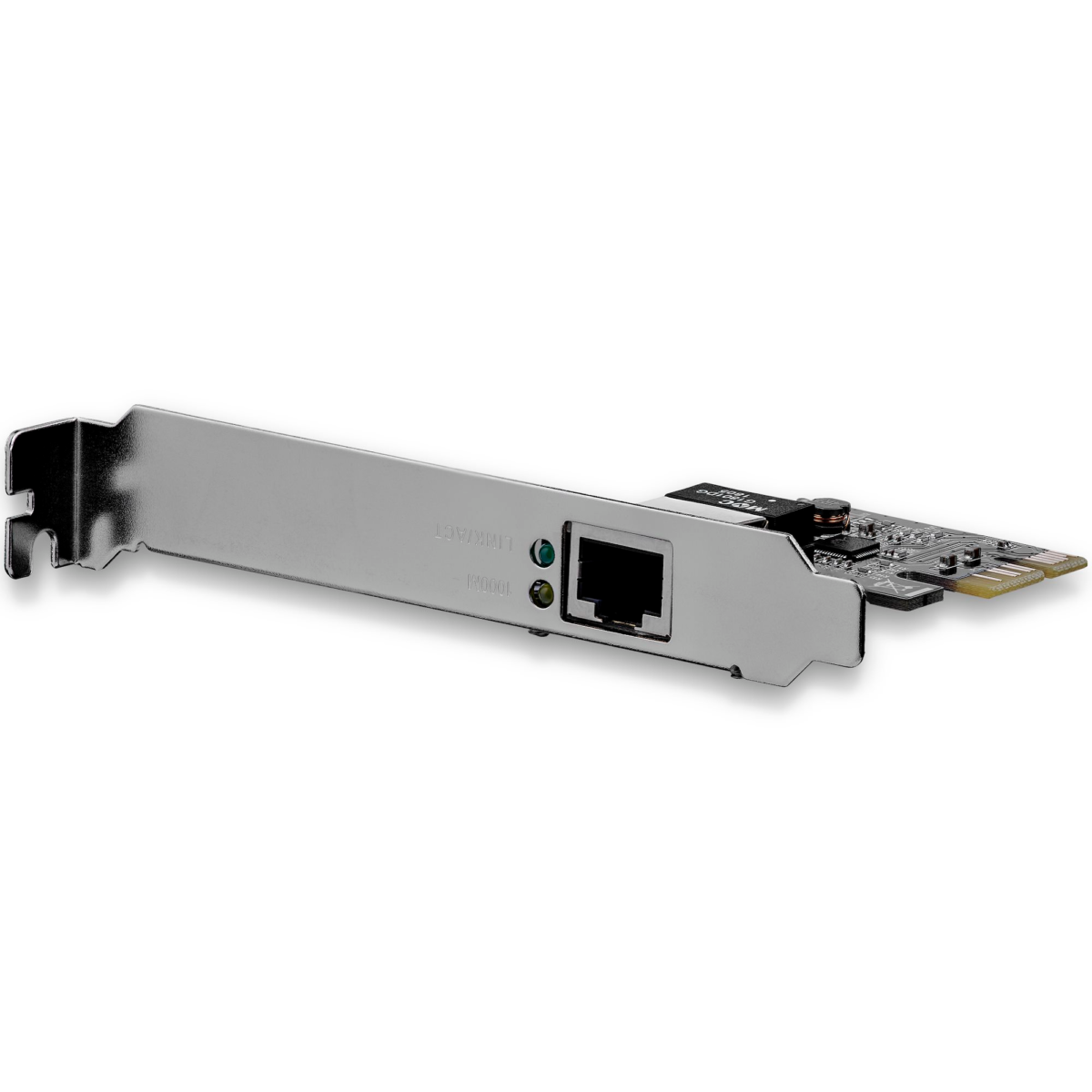
StarTech 1-Port Dual Profile PCIe Gigabit Network Server Adapter – ST1000SPEX2
4G/5G GSM Simcard Routers
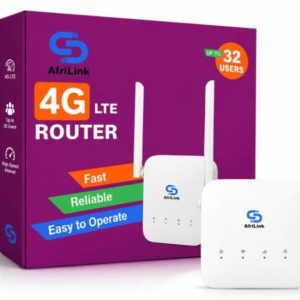
4G/5G GSM Simcard Routers
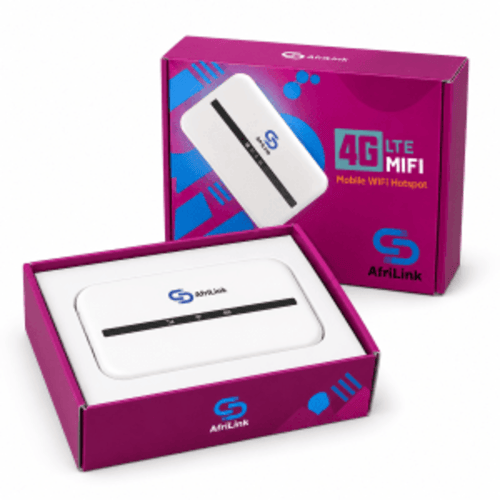
AfriLink Universal Rechargeable 4G LTE Wi-Fi Router with 4000mAh Battery


Starlink Kits & Accessories


Starlink Kits & Accessories
Networking Equipment Buying Guide in Kenya
Choosing suitable networking equipment requires an understanding of your internet connection, network size, connected devices, bandwidth requirements and installation environment. A home network may need a wireless router and a small Ethernet switch, while a business installation may require managed switches, multiple wireless access points, VLANs, PoE and structured cabling.
Before purchasing, consider the number of users, required wired and wireless connections, internet speed, network security, power requirements and future expansion. Selecting compatible equipment helps avoid unnecessary upgrades and connection limitations.
Important Network Planning Advice
Advertised Wi-Fi speeds, Ethernet port speeds and internet connection speeds are not interchangeable. Actual network performance depends on connected devices, wireless conditions, cabling, equipment processing capacity and the available internet service. Compare the complete network design rather than relying on a single advertised speed.
Types of Networking Equipment Available in Kenya
Different networking devices perform different functions. Understanding their roles makes it easier to select appropriate hardware for your installation.
Network Routers
Routers connect separate networks and direct traffic between them. Selected models offer Wi-Fi, VPN connectivity, firewall functions, multi-WAN support and advanced network management.
Network Switches
Ethernet switches connect multiple wired devices within a local network. Options include unmanaged, managed, Gigabit, multi-Gigabit and PoE switches.
Wireless Access Points
Access points provide wireless connectivity to compatible devices. Business models may support centralised management, multiple SSIDs, VLANs and guest networks.
Wi-Fi Extenders & Repeaters
Wireless extenders help expand coverage in suitable environments. Actual performance depends on placement, signal quality and the connection to the main network.
PoE Switches & Injectors
Power over Ethernet equipment supplies compatible devices with electrical power and data through Ethernet cabling, subject to supported PoE standards and power budgets.
Fibre Optic Networking Equipment
Media converters, fibre transceivers and compatible switches support optical network connections for suitable distances and network applications.
Ethernet Cables & Patch Panels
Structured cabling components organise and connect network outlets, switches, patch panels and compatible Ethernet devices.
Network Data Cabinets
Wall-mounted and floor-standing cabinets provide mounting space for compatible network switches, patch panels and rack accessories.
Compare Networking Equipment by Function
| Equipment | Primary Function | Typical Application | Key Selection Factor |
|---|---|---|---|
| Router | Connects and routes between networks | Internet access and network segmentation | WAN speed, routing capacity and features |
| Ethernet Switch | Connects wired LAN devices | Offices, CCTV and server rooms | Port count, speed and management |
| Wireless Access Point | Provides Wi-Fi access | Homes, offices, schools and hotels | Wi-Fi standard, coverage and clients |
| Wi-Fi Extender | Expands existing wireless coverage | Selected home and small-office networks | Signal quality and backhaul |
| PoE Injector | Adds compatible power to an Ethernet link | IP cameras and access points | Voltage, standard and wattage |
| Media Converter | Converts compatible network media | Copper-to-fibre links | Speed, fibre type and optical specifications |
| Network Cabinet | Houses rack-compatible equipment | Structured network installations | Rack units, depth and ventilation |
Networking Equipment by Brand
Rapidtech Networks Limited supplies networking products from different manufacturers. Each brand offers equipment designed for particular networking environments, management requirements and budgets.
Cisco Networking Equipment
Cisco offers networking solutions including selected switches, routers, wireless networking products and enterprise connectivity equipment. Explore our Cisco networking products for available models.
MikroTik Networking Equipment
MikroTik offers RouterOS-based routers, switches and wireless networking devices for compatible home, business and service-provider applications. Compare routing capacity, interfaces and licensing.
Ubiquiti Networking Equipment
Ubiquiti provides UniFi networking products and selected wireless infrastructure solutions, including managed access points, switches, gateways and outdoor wireless devices.
TP-Link Networking Equipment
TP-Link offers wireless routers, access points, switches, Wi-Fi extenders and selected business networking products. Browse our TP-Link products.
D-Link Networking Equipment
D-Link supplies selected Ethernet switches, wireless routers, access points, networking adapters and structured connectivity products for compatible installations.
Huawei Networking Equipment
Huawei offers selected networking and connectivity products, including routers, wireless equipment and business network infrastructure. Explore our Huawei products.
Tenda & Giganet Networking Products
Tenda offers selected routers, switches and wireless connectivity devices, while Giganet provides structured cabling and network infrastructure components.
Netgear Networking Equipment
Netgear offers selected switches, routers and wireless networking products for compatible home and business networks. Explore our Netgear products.
Starlink Networking Accessories
Starlink-related products may include compatible internet connectivity hardware and accessories. Check model compatibility, service availability and equipment requirements. Browse our Starlink products.
Network Routers vs Switches vs Wireless Access Points
Routers, switches and access points work together but perform different networking functions. A router manages traffic between networks, a switch expands wired connectivity, and an access point provides wireless access to the network.
| Feature | Router | Network Switch | Wireless Access Point |
|---|---|---|---|
| Primary Role | Routes between networks | Connects wired LAN devices | Connects wireless clients |
| Internet Gateway | Commonly supported | Not the normal role | Not the normal role |
| Ethernet Ports | Model-dependent | Multiple LAN ports | Usually one or more uplink ports |
| Wi-Fi | On wireless router models | Not normally included | Primary function |
| Network Management | Routing, firewall and related functions | Switching, VLANs and related features | SSID, wireless security and client settings |
| Best Application | Internet and network routing | Wired network expansion | Wireless network coverage |
Managed vs Unmanaged Network Switches
Network switches are available with different management capabilities. The appropriate choice depends on network size, security requirements and operational complexity.
| Feature | Unmanaged Switch | Managed Switch |
|---|---|---|
| Setup | Typically plug-and-play | May require configuration |
| VLAN Support | Generally unavailable | Available on supported models |
| Monitoring | Limited | Model-dependent monitoring tools |
| Traffic Controls | Limited configuration | QoS and related features on supported models |
| Typical Use | Basic network expansion | Business and structured networks |
| Buying Consideration | Port count and speed | Features, management and configuration |
Gigabit Ethernet vs 2.5GbE vs 10GbE Networking
Ethernet equipment is available at different interface speeds. Select switches, routers and network adapters according to the required throughput and the capabilities of connected devices.
| Ethernet Speed | Nominal Link Rate | Typical Application | Important Consideration |
|---|---|---|---|
| Fast Ethernet | 100Mbps | Legacy or lower-bandwidth devices | May limit modern network throughput |
| Gigabit Ethernet | 1Gbps | Home and office LANs | Compatible ports and cabling |
| 2.5 Gigabit Ethernet | 2.5Gbps | Higher-speed LAN connections | Both endpoints must support 2.5GbE |
| 10 Gigabit Ethernet | 10Gbps | Server, storage and network uplinks | Interfaces, cabling and link distance |
Understanding Network Speeds
Link speed is the negotiated connection rate, not a guarantee of application throughput. Network performance may be limited by the slowest relevant connection, device processing capability, congestion or internet service speed.
Wi-Fi 5 vs Wi-Fi 6 vs Wi-Fi 6E vs Wi-Fi 7
Wireless networking standards differ in supported bands, efficiency, channel capabilities and device requirements. Select access points and routers according to your environment and compatible client devices.
| Wi-Fi Standard | IEEE Standard | Supported Bands | Selection Consideration |
|---|---|---|---|
| Wi-Fi 5 | 802.11ac | 5GHz | Compatible established wireless networks |
| Wi-Fi 6 | 802.11ax | 2.4GHz and 5GHz | Efficiency and multi-device environments |
| Wi-Fi 6E | 802.11ax extended | 2.4GHz, 5GHz and 6GHz | 6GHz device and regulatory compatibility |
| Wi-Fi 7 | 802.11be | 2.4GHz, 5GHz and 6GHz where supported | Device compatibility and supported features |
Wireless range and speed depend on wall construction, interference, antenna configuration, client capabilities and local radio regulations. Newer Wi-Fi standards do not automatically guarantee better coverage in every installation.
Power over Ethernet: PoE, PoE+ & PoE++
Power over Ethernet enables compatible devices to receive electrical power through Ethernet cabling. It is commonly used for wireless access points, IP cameras, VoIP phones and other supported network devices.
| PoE Standard | IEEE Designation | Maximum Power at Source | Typical Application |
|---|---|---|---|
| PoE | 802.3af | 15.4W | Selected IP phones and cameras |
| PoE+ | 802.3at | 30W | Selected wireless APs and cameras |
| PoE++ Type 3 | 802.3bt Type 3 | 60W | Higher-power compatible devices |
| PoE++ Type 4 | 802.3bt Type 4 | 90W | Supported high-power network devices |
The power available at the connected device is lower than the maximum source power because of cable losses. When selecting a PoE switch, check both its per-port output and total power budget.
Passive PoE Compatibility Warning
Passive PoE equipment may use fixed voltage arrangements that differ from IEEE 802.3af, 802.3at and 802.3bt standards. Do not connect passive PoE equipment to devices without confirming the required voltage, polarity and compatibility.
Fibre Optic Networking Equipment & Media Converters
Fibre optic networking is used for suitable longer-distance connections, network uplinks and high-bandwidth infrastructure. Common equipment includes fibre transceivers, media converters, fibre-capable switches and associated optical connectivity products.
Fibre Media Converters
Connect compatible copper Ethernet interfaces with optical fibre links. Check link speed, fibre type, wavelength and distance.
SFP & SFP+ Transceivers
Provide compatible optical or copper network interfaces for supported switches and routers. Confirm host compatibility and module specifications.
Single-Mode Fibre Connections
Commonly used for suitable longer-distance optical links. Equipment must match the fibre type, wavelength and optical budget.
Multimode Fibre Connections
Used for compatible shorter-distance optical networking applications, including selected building and data centre links.
Structured Cabling & Network Infrastructure
Structured cabling provides organised physical connections for computers, switches, wireless access points, IP cameras and other network equipment. Components may include Ethernet cables, patch panels, patch cords, faceplates, keystone modules, cable managers and network cabinets.
Ethernet Patch Cords
Factory-terminated network cables connect devices to network outlets, switches and patch panels. Select the appropriate category, length and shielding.
Patch Panels
Provide organised termination points for compatible structured cabling installations and simplify network administration.
Faceplates & Modules
Provide wall-mounted network connection points using compatible keystone jacks and structured cabling components.
Network Cabinets & Cable Management
Help organise rack-mounted network equipment, patch panels and cabling while supporting appropriate ventilation and physical access.
Explore our Network Patch Cords in Kenya, Patch Panels in Kenya, Faceplates & Modules in Kenya and PoE Injectors in Kenya for specialised networking components.
Networking Equipment by Application
Different network environments require different equipment capacities, security controls and connectivity features.
Home Internet & Wi-Fi Networks
Wireless routers, Ethernet switches and Wi-Fi extenders support compatible home computers, smartphones, televisions and other devices.
Office & Business Networks
Routers, managed switches, wireless access points and structured cabling support business connectivity and workstation expansion.
Schools & Educational Institutions
Managed switches, wireless access points and network infrastructure support compatible computer labs, offices and learning environments.
Hotels & Hospitality
Business wireless access points, network gateways and switches support guest and operational networks with appropriate configuration.
CCTV & IP Surveillance
PoE switches, network cables and compatible infrastructure connect supported IP cameras and recording equipment.
Server Rooms & Data Centres
Rack-compatible switches, network cabinets, fibre connections and cable management products support organised IT infrastructure.
Networking Equipment Price Guide in Kenya
Networking equipment prices in Kenya depend on brand, interface speed, port count, wireless standard, management capabilities, power requirements and intended application. Compare the relevant product category rather than relying on a single price range for all networking hardware.
| Equipment Category | Main Price Factors | Product Segment | Buying Priority |
|---|---|---|---|
| Home Wi-Fi Routers | Wi-Fi standard, ports and features | Entry to Mid Range | Internet speed and coverage |
| Business Routers | Routing performance, VPN and WAN interfaces | Mid to Enterprise | Security and throughput |
| Unmanaged Switches | Port count and Ethernet speed | Entry to Mid Range | Wired device connections |
| Managed & PoE Switches | Management, PoE budget and uplinks | Mid to Enterprise | Network controls and power requirements |
| Wireless Access Points | Wi-Fi standard, management and radio design | Mid to Enterprise | Client capacity and coverage |
| Fibre Networking Equipment | Optical interfaces, speed and distance | Model-dependent | Fibre and transceiver compatibility |
| Network Cabinets | Rack size, depth and construction | Size-dependent | Equipment fit and ventilation |
Factors Affecting Networking Equipment Prices in Kenya
Brand & Product Series
Manufacturers offer different equipment families, management systems, hardware specifications and warranty conditions.
Port Count & Interface Speed
The number of Ethernet ports and supported Gigabit, multi-Gigabit or fibre interfaces can affect pricing.
Wireless Technology
Wi-Fi standards, radio configuration, supported bands and access point features influence selection.
PoE Power Capacity
PoE standards, per-port output and total power budget affect equipment specifications and cost.
Management & Security
VLANs, VPN support, monitoring, access controls and centralised management may influence product choice.
Installation & Expansion
Rack mounting, outdoor ratings, redundant power options and future network capacity can affect overall project costs.
How to Choose the Right Networking Equipment
1. Define Your Network Requirements
Identify the number of users, connected devices, internet connections and applications that the network must support.
2. Check Wired & Wireless Speeds
Compare router throughput, switch port speeds, wireless standards and connected device capabilities.
3. Plan Network Coverage
Consider building layout, walls, interference, access point placement and available wired backhaul connections.
4. Calculate PoE Requirements
Check the power consumption of cameras, access points and other PoE devices against switch or injector specifications.
5. Review Security & Management
Consider firewall features, VLANs, guest networks, software updates and administrator access requirements.
6. Allow for Future Expansion
Select suitable port counts, uplink capacity, rack space and management features for planned network growth.
Networking Equipment Installation, Security & Maintenance
Install networking equipment according to the manufacturer's instructions and the requirements of the installation environment. Provide appropriate ventilation for switches, routers and rack-mounted equipment, and avoid exceeding electrical or PoE power ratings.
For managed networking devices, change default administrative credentials where applicable, apply supported security updates and configure access permissions appropriately. Business networks may benefit from documented IP addressing, VLAN configuration, equipment labels and configuration backups.
For structured cabling, use suitable cable categories, termination methods and testing procedures. Outdoor wireless equipment should be installed with appropriate environmental protection, grounding and surge protection where required.
Network Compatibility & Configuration Advice
Networking equipment from different manufacturers may interoperate through common standards, but proprietary management platforms, PoE implementations, optical modules and advanced features may have compatibility restrictions. Confirm requirements before combining equipment from different product families.
Frequently Asked Questions About Networking Equipment in Kenya
Where can I buy networking equipment online in Kenya?
Rapidtech Networks Limited supplies networking equipment online and from our Nairobi CBD office. Customers can browse available routers, switches, wireless access points, PoE products and network infrastructure accessories through our website.
Do you stock original networking products?
We supply branded networking equipment with product-specific manufacturer information. Customers should confirm the applicable model, specifications and warranty terms before purchasing.
Do you offer same-day delivery for networking products in Nairobi?
Same-day dispatch may be available for eligible confirmed orders placed before the applicable cutoff, subject to stock availability. Actual delivery times depend on destination and courier arrangements.
What payment options are available?
Available payment methods include M-PESA, cash and bank transfer. Cash on delivery may be available for eligible orders within Nairobi County, subject to confirmation.
What types of networking equipment do you sell?
Our range includes selected routers, network switches, wireless access points, Wi-Fi extenders, PoE injectors, Ethernet cables, media converters, network cabinets and structured cabling accessories.
Which networking equipment brands do you stock?
Our selection includes products from Cisco, MikroTik, Ubiquiti, TP-Link, D-Link, Huawei, Tenda, Giganet, Netgear and Starlink, depending on product availability.
Do you provide enterprise-grade networking equipment in Kenya?
We supply selected networking equipment suitable for business and enterprise applications, including managed switches, routers, wireless access points and compatible network infrastructure components.
Do you sell structured cabling accessories in Kenya?
Yes. Our range includes selected Ethernet cables, patch cords, patch panels, faceplates, modules, network cabinets and other structured cabling accessories.
Is networking equipment delivery available outside Nairobi?
Yes. We arrange deliveries to destinations throughout Kenya. Delivery charges and timelines depend on product size, stock availability and destination.
Can you assist with network planning or product selection?
Yes. Our team can provide guidance on router selection, switch capacity, wireless coverage, PoE requirements, structured cabling and equipment compatibility. Contact us to discuss your project requirements.
What is the difference between a network router and a switch?
A router connects separate networks and directs traffic between them, while a network switch connects devices within a local network. Some routers also include built-in Ethernet switch ports.
Which network switch should I choose for IP cameras?
For compatible PoE IP cameras, compare the switch's port count, supported PoE standard, per-port output, total PoE budget and network bandwidth requirements. Non-PoE cameras may require different power arrangements.
Buy Networking Equipment in Kenya from Rapidtech Networks Limited
Rapidtech Networks Limited supplies network routers, Ethernet switches, wireless access points, PoE equipment, fibre networking products, Ethernet cables, network cabinets and structured cabling accessories for homes, offices, businesses, schools, CCTV installations and IT infrastructure. Compare available Cisco, MikroTik, Ubiquiti, TP-Link, D-Link, Huawei, Tenda, Giganet, Netgear and Starlink products based on technical specifications, compatibility, network requirements and price.
We deliver networking equipment countrywide, including Nairobi, Mombasa, Kisumu, Nakuru, Eldoret, Thika, Kiambu, Machakos, Kitengela, Naivasha, Nyeri, Meru, Embu, Kisii, Kericho, Kakamega, Bungoma, Malindi, Kilifi, Garissa and other towns throughout Kenya.
Our team provides technical guidance on networking equipment selection, router and switch sizing, Wi-Fi coverage, PoE requirements, fibre connectivity and structured cabling compatibility. Contact us for assistance choosing suitable networking hardware for your home, office, business or institutional network.